Thank you!
Your request has been sent.
We'll review your request and get back to you within 1–2 business days.
Thanks for the feedback!
We appreciate you helping us improve.




Mobile Game Art Studio for iOS & Android
Made for the
smallest screen
UI/UX, concept art, stylized characters, props and environments for mobile games – production work from Wave Master and Bubble Quest of Vikings.
Request a Quote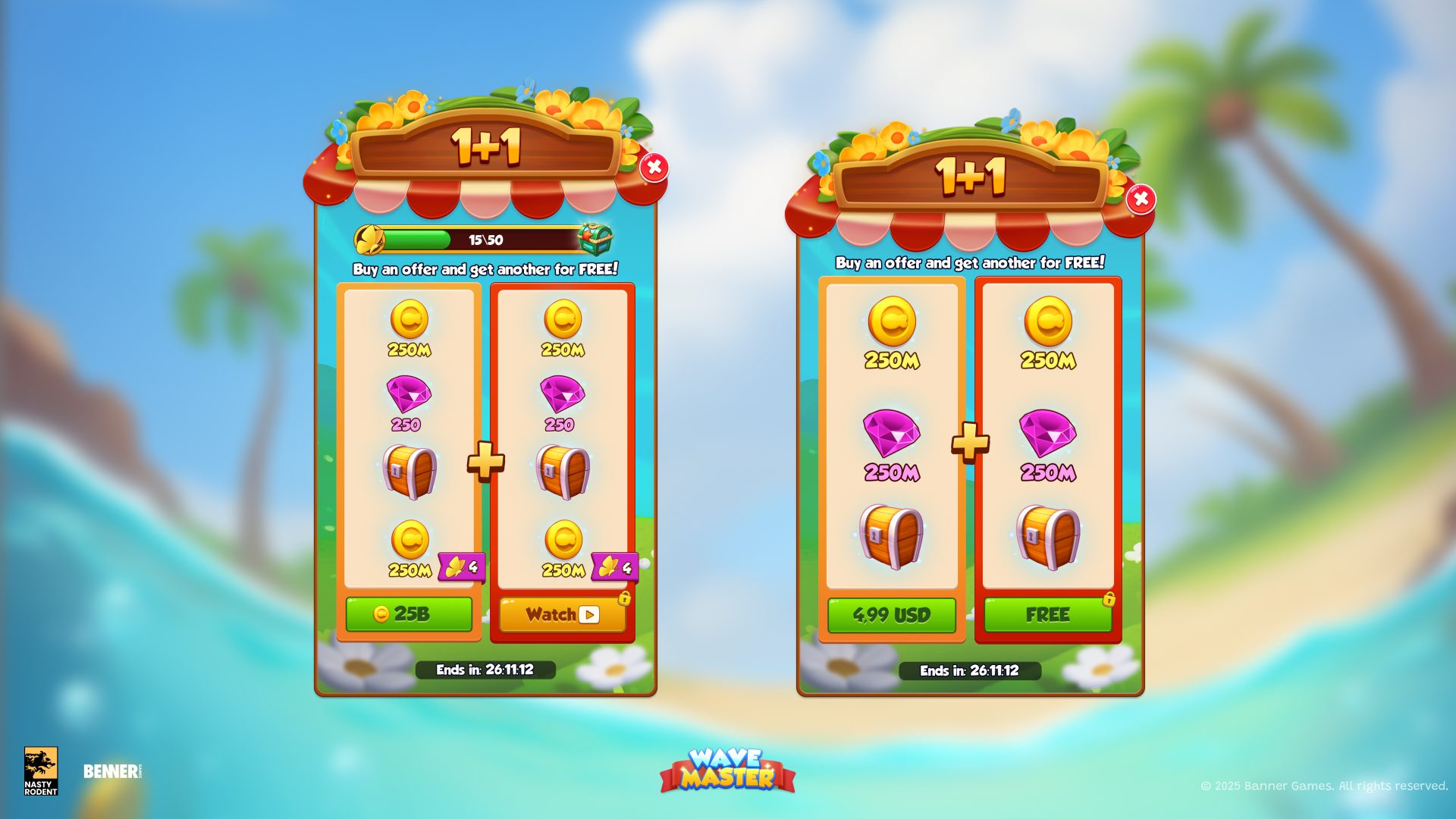


01 · The Platform
MobileGames
Mobile games are built for phones and tablets running iOS and Android, played on small touch screens and distributed through app stores such as the App Store and Google Play. For art, that means assets that read at small sizes, interfaces designed around touch input, and layouts and assets prepared around the specifications of the supported devices.
A phone screen leaves little room for detail, so shapes, contrast and hierarchy often decide whether a player understands the game at a glance. Many mobile games are also updated with new events, offers and themes after launch, which makes the art a system that keeps growing. Players use a broad spread of screen sizes and device capabilities, so what looks right on one phone may need to be checked on others.
Art for mobile: UI/UX · concept art · characters · stylized UI examples
CONTEXT 01
Touch-First Interfaces
The interface is the main way players touch a mobile game, so shops, offers, reward pop-ups and navigation have to be easy to read and tap on a small display.
Art priority: clear hierarchy, comfortable tap targets, readable text and icons, respect for safe areas
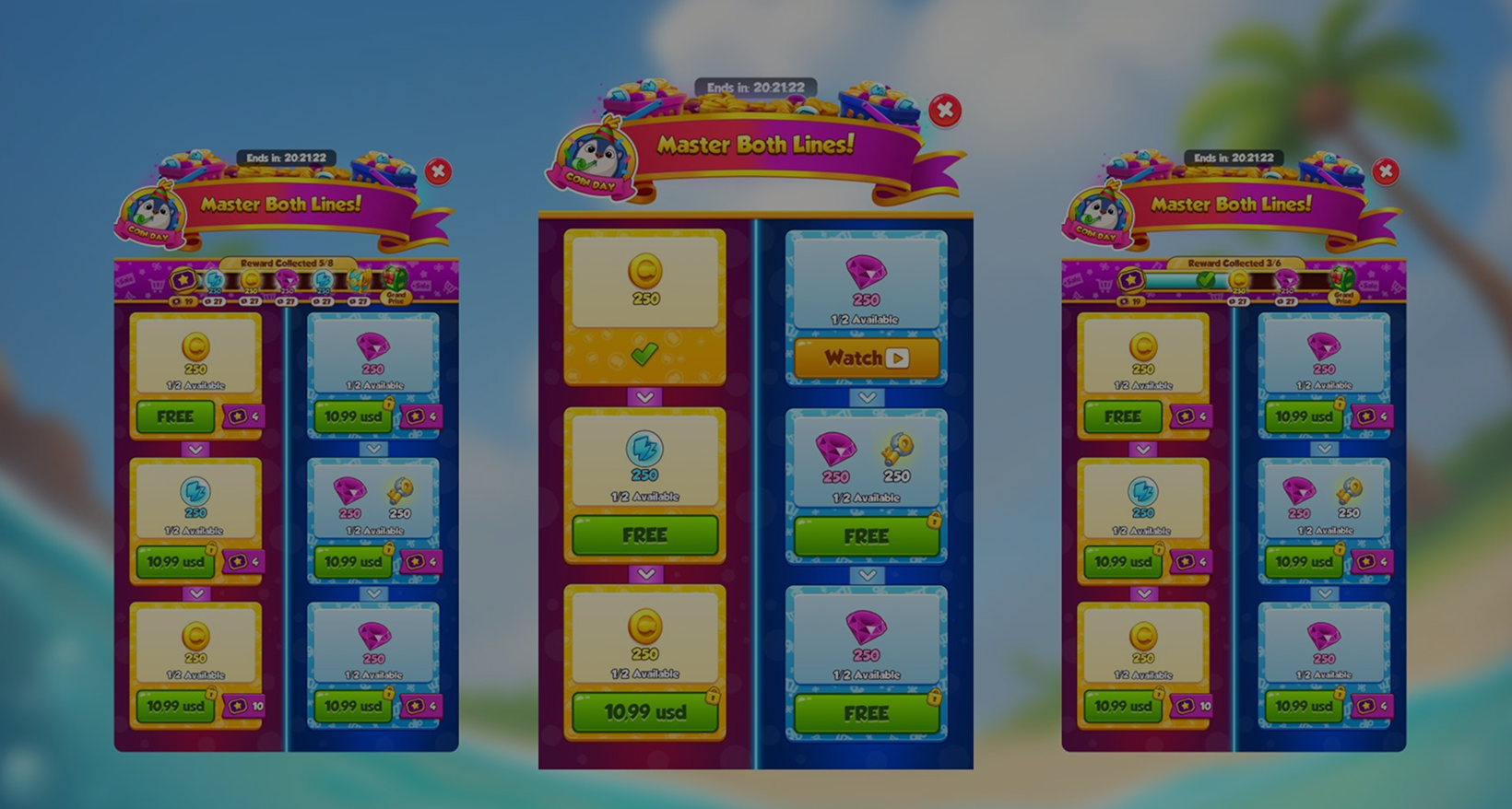
Example: Wave Master – UX/UI design for event screens, shop and offers
CONTEXT 02
Live-Ops & Event Content
Live games refresh content on a schedule. Event screens, special offers and themed assets need to be built on an existing UI kit and style guide so each new release matches the screens players already know.
Art priority: modular UI kits, themed asset packs, consistent visual language
Example: Wave Master – event screens, shop and special offers
CONTEXT 03
Characters & Worlds at Phone Size
Stylized characters, props and environments carry the personality of a mobile game while staying legible on a small screen and built to the agreed art and technical budgets for the target devices.
Art priority: strong silhouettes, simple shape language, clear separation of foreground and background
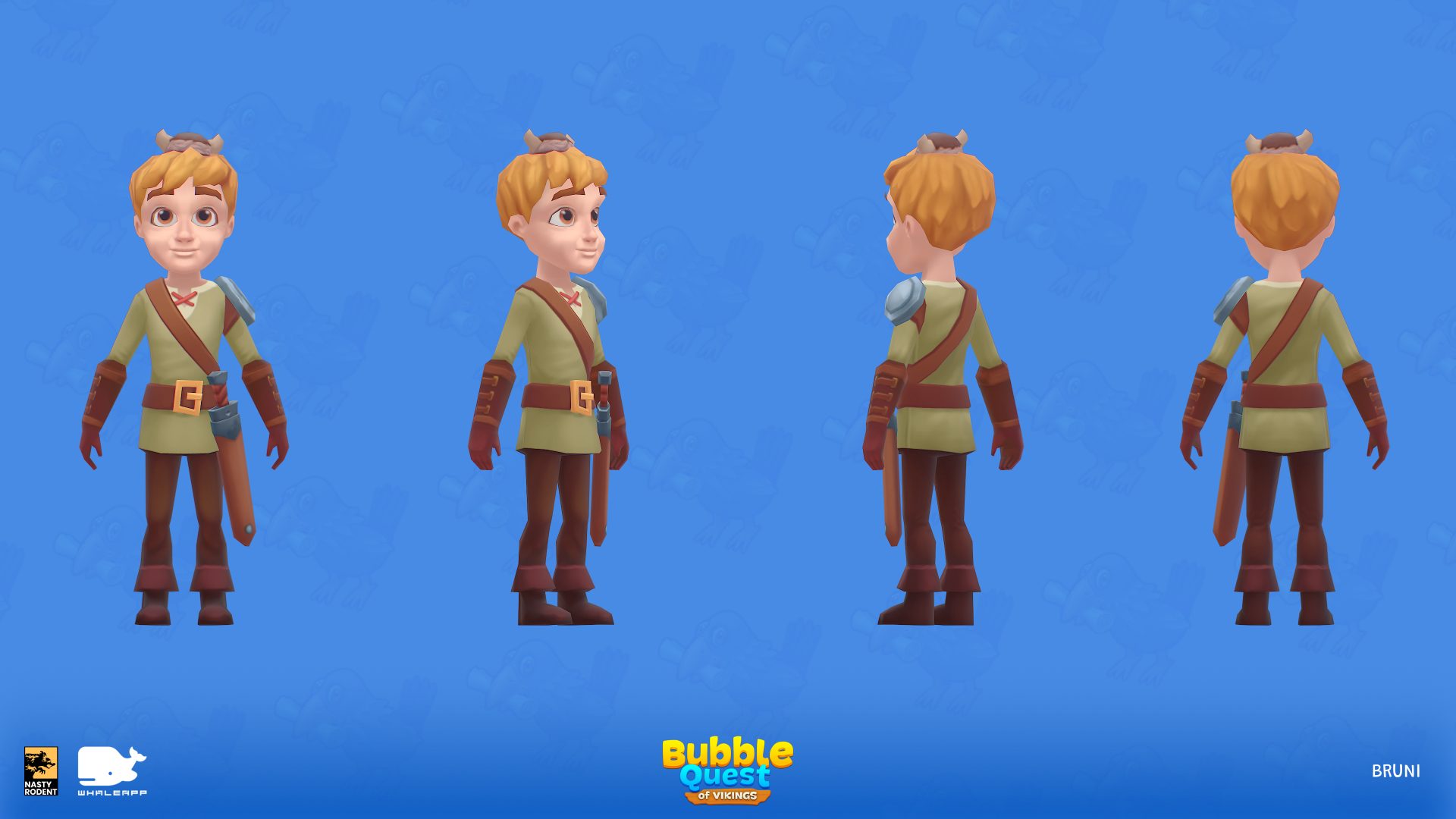
Example: Bubble Quest of Vikings – characters, props and environments
CONTEXT 04
Many Screens, Many Devices
Phones, tablets and different aspect ratios mean one design has to hold up across several layouts. Supported devices and orientations are set before production starts.
Art priority: layouts that adapt, art exported at resolutions that stay sharp, assets organized for each supported size
Agreed at the brief: device list, orientation, safe areas, target budgets
Looking at mobile from the genre side?
See our casual & puzzle game art.
02 · Platforms
iOS, Android and Beyond the Phone
Mobile releases are shaped by the devices a game supports, the platform's interface conventions and the store's technical and review requirements. Each store is a separate release with its own checks.


iOS
Apple devices with their own screen shapes, safe areas around cutouts and the home indicator, and interface conventions that players expect. Releases go through App Store review.
Android
A broad range of manufacturers, screen sizes, aspect ratios and performance levels. Navigation bars and gesture areas vary, so layouts and art budgets are best checked against the lowest device tier you support.

Tablets & Larger Screens
More space does not mean the same layout scaled up. UI may need to re-flow, and artwork has to stay sharp at higher resolutions.
On mobile: Wave Master · Bubble Quest of Vikings
03 · Engine
Device Specs and Delivery Scope
with our art
and Whaleapp LTD
UI/UX work
Mobile delivery starts from a device matrix: which phones and tablets are supported, in which orientation, at which aspect ratios and with which safe areas. From it we agree the art specifications – device tiers, texture and resolution targets, atlas and export requirements, naming and file structure – and deliver editable source files, exported UI assets, sprites, characters and props to them. The engine and its constraints are defined by your pipeline. On Wave Master, final designs were organized for handoff to the development team.
| Task | Who does it |
|---|---|
| UI/UX, concept art, characters, props, environments | Nasty Rodent |
| Device matrix: supported devices, orientation, aspect ratios, safe areas | Defined by your team, confirmed at the brief |
| Art specifications: device tiers, resolutions, texture and file budgets, atlas and export formats | Agreed with your team at the brief |
| Handoff: organized source files, exports and layout specs | Nasty Rodent |
| Engine integration, device testing, performance profiling | Your team, unless included in the scope |
| Store submission, review and compliance | Your team and the platform stores |
| Store page art and device-specific optimization | Not demonstrated by these cases; would need to be confirmed and scoped separately |
04 · Studios
Who We Make Mobile Games For
The right setup depends on where your game stands on mobile: preparing a launch, extending an interface to more devices or feeding a live game with regular content.
| Studio | What you need | Typical scope | How we plug in |
|---|---|---|---|
| Teams preparing a mobile launch | Interface and art ready for the supported devices | UI kit, key screens, characters, props, environments | A dedicated team under our art director |
| Teams adapting an existing UI to more device sizes | Layouts that hold up on more aspect ratios, orientations and tablets | Re-flowed screens, resized and re-exported assets | A defined batch against your device matrix |
| Mobile live-service teams | Recurring UI and art batches for events, offers and seasonal themes | Event screens, themed assets, UI updates built to your art bible | A long-term partner or Team Extension |
| Pre-production teams | A slice that proves the look and the interface on a phone | One key screen set, a character, a few props | A fixed-scope pilot, then production |
Scoping the art for your first playable slice
05 · How We Work
Direct or Part of Your Team
Mobile production runs from a device matrix to art specifications, production and handoff. Choose the model for where you are – it can change as the game does.
Direct Engagement
You provide an agreed asset list – interface screens, characters, props or environments – and our art director and project manager coordinate the production and delivery of those assets through the approved review stages.
Team Extension
Our artists work within your pipeline and under your art direction – you run the process, we add the capacity and the skill.
Device Matrix First
Before production we agree the technical frame with your team: supported devices, orientation, aspect ratios, resolutions, texture and file budgets, and naming. Production follows those specifications, and handoff is organized to match them. Integration, device testing and store submission stay with your engineers unless the scope says otherwise.
06 · Cases
Mobile Games With Our Art
Two mobile games from two clients: interface and graphic work for Banner Games, and character, world and animation work for Whaleapp LTD.

Wave Master
Underwater strategy game by Banner Games where players build ocean empires, collect treasure and compete in battles and heists. The mobile interface was our focus: UX/UI for event screens, the shop and special offers, plus 2D props, 2D environments and concept art.
View the Wave Master case
Bubble Quest of Vikings
Bubble-shooting puzzle by Whaleapp LTD, where players help Bruni renovate his village and raise a dragon. Our team covered concept art, stylized 2D and 3D characters with rigging, 2D props and environments, 2D and 3D animation, and UI/UX.
View the Bubble Quest of Vikings case06 · The Evidence
What is confirmed and what we agree with you
| Art category | Delivered on our mobile games | Agreed with you at the brief |
|---|---|---|
| UI/UX | Wave Master, Bubble Quest of Vikings | Screens, flows, event and offer templates |
| Characters | Bubble Quest of Vikings | 2D or 3D, rigging, variants |
| Props and environments | Wave Master, Bubble Quest of Vikings | Style, scale, modular kits |
| Animation | Bubble Quest of Vikings | Scope, frame budgets, formats |
| Concept art | Wave Master, Bubble Quest of Vikings | Moodboards, key screens |
| Device-specific optimization, store submission, store page art | Not demonstrated by these cases | Scope agreed separately |
FAQ's: Mobile Game Art
What makes mobile game art different from PC or console?

Do you work for both iOS and Android?
How do you keep a mobile interface readable on a small screen?
Can you work to low-end device budgets?
Can you produce new events and themes for a live game?
How do I get an estimate for a mobile game?
Building a
Mobile Game?
Tell us about your game, your supported devices and your content plan. We come back with questions and a draft scope in 1–2 business days.
- Transparent pricing
- Honest feedback
- No hidden costs - ever